



This is a AIO tool for windows that lets you tweak Windows.
Refined over years, this utility goes beyond debloating Windows:
Run in an elevated PowerShell (Run as Administrator):
Or
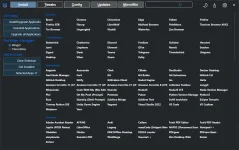
Uses WinGet to:
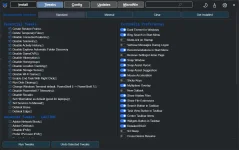
Purpose: Improve usability and performance without hurting stability.
Profiles:
Presets:
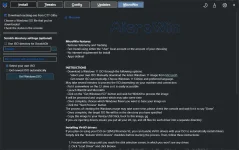
MicroWin
Refined over years, this utility goes beyond debloating Windows:
- Install and update apps via WinGet (broader catalog than Ninite)
- Apply practical, safe tweaks
- Use proven Windows Update presets used in business environments
Run in an elevated PowerShell (Run as Administrator):
Code:
iwr -useb https://christitus.com/win | iexOr
Code:
irm christitus.com/win | iexUtility Components
Modules:- Install
- Tweaks
- Features & Legacy Panels
- Windows Updates
- MicroWin
Uses WinGet to:
- Select and install apps with checkboxes
- Upgrade installed apps
- Save time and simplify maintenance
Purpose: Improve usability and performance without hurting stability.
Profiles:
- Standard: Performance-focused defaults
- Minimal: Essential privacy and security
- Conservative approach; avoids aggressive debloat
- Do not select everything or remove the Microsoft Store unless you accept breaking the Store and apps
- A restore point is created; use System Restore or "Undo All" to revert
- Provided as-is, no warranty
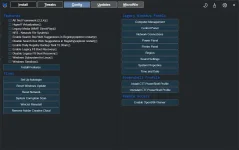
- Enable built-in Windows features quickly
- Access classic control panels (often faster for power users)
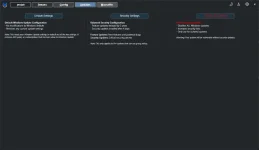
Presets:
- Default will reset Windows Update settings to stock settings.
- Recommended: Security-only; defer feature updates ~24 months
- Disable All: Not recommended; use only for legacy/isolated systems (stability over security)
MicroWin
- Minimal Windows profile focused on speed and low footprint
- Removes unnecessary components and preinstalled apps while preserving core functionality


