



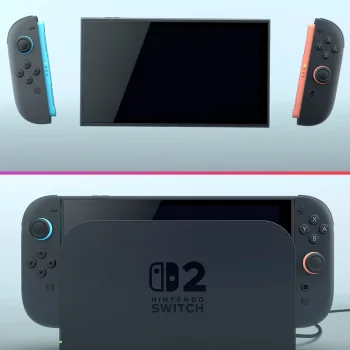




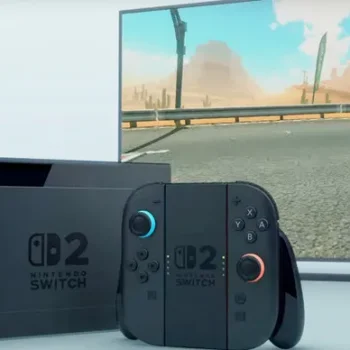



Some important updates regarding the Nintendo Switch 2's battery indicator issue that some of you might have encountered. It seems that the battery percentage displayed isn't always accurate, which has led to some criticism about the console's battery life. However, Nintendo has stepped in with a solution to rectify this problem.
According to Nintendo, if your battery indicator isn't reflecting the actual charge, there's a straightforward fix that involves accessing the console's Recovery Mode. Here's what you need to do:
1. Use the Right Charger: Make sure you're using a powerful enough AC adapter. The original Switch adapter works for charging directly, but it may not suffice when the Switch 2 is docked.
2. Update Your System: Ensure your console has the latest system update installed.
3. Power Off Your Console: Turn off your Switch 2 completely.
4. Enter Recovery Mode: Press and hold the volume up (+) and volume down (-) buttons, then press the POWER button once to turn it on. Keep holding the volume buttons until the Recovery Mode menu appears.
5. Reset the Battery Meter: From the Recovery Mode menu, navigate to reset the battery level meter.
6. Reboot Your Console: Turn off the console again by holding down the POWER button, then turn it back on.
If the problem persists after trying these steps multiple times, unfortunately, you may need to send your console in for service.
As one user on X reported, they saw their battery percentage jump from 85% to 91% after following these steps, so it's definitely worth checking if you're experiencing a discrepancy.
According to Nintendo, if your battery indicator isn't reflecting the actual charge, there's a straightforward fix that involves accessing the console's Recovery Mode. Here's what you need to do:
1. Use the Right Charger: Make sure you're using a powerful enough AC adapter. The original Switch adapter works for charging directly, but it may not suffice when the Switch 2 is docked.
2. Update Your System: Ensure your console has the latest system update installed.
3. Power Off Your Console: Turn off your Switch 2 completely.
4. Enter Recovery Mode: Press and hold the volume up (+) and volume down (-) buttons, then press the POWER button once to turn it on. Keep holding the volume buttons until the Recovery Mode menu appears.
5. Reset the Battery Meter: From the Recovery Mode menu, navigate to reset the battery level meter.
6. Reboot Your Console: Turn off the console again by holding down the POWER button, then turn it back on.
If the problem persists after trying these steps multiple times, unfortunately, you may need to send your console in for service.
As one user on X reported, they saw their battery percentage jump from 85% to 91% after following these steps, so it's definitely worth checking if you're experiencing a discrepancy.